
Your LinkedIn photo meets recruiters before you do, so it's worth getting right. A LinkedIn photoshoot gives you one clear, friendly headshot for the small circle next to every comment, job application and connection request. If that circle is a cropped wedding photo or a blurry selfie from 2019, however, it's quietly working against you.
This guide is for anyone in Bangalore updating their profile for a job search, a new role or client work. It covers what happens at the shoot, what to wear for headshots (including Indian office wear), poses that don't look like a passport photo, and what a professional LinkedIn photoshoot costs.
In short: for a good LinkedIn photoshoot, wear a solid, mid-tone outfit that fits well at the shoulders. Then turn your body slightly, face the lens and push your chin a little forward and down. A session at GK Vale takes about 30 minutes, and you can book at your nearest branch or simply walk in. As a result, you get one photo that works on LinkedIn, your company website and your email signature.
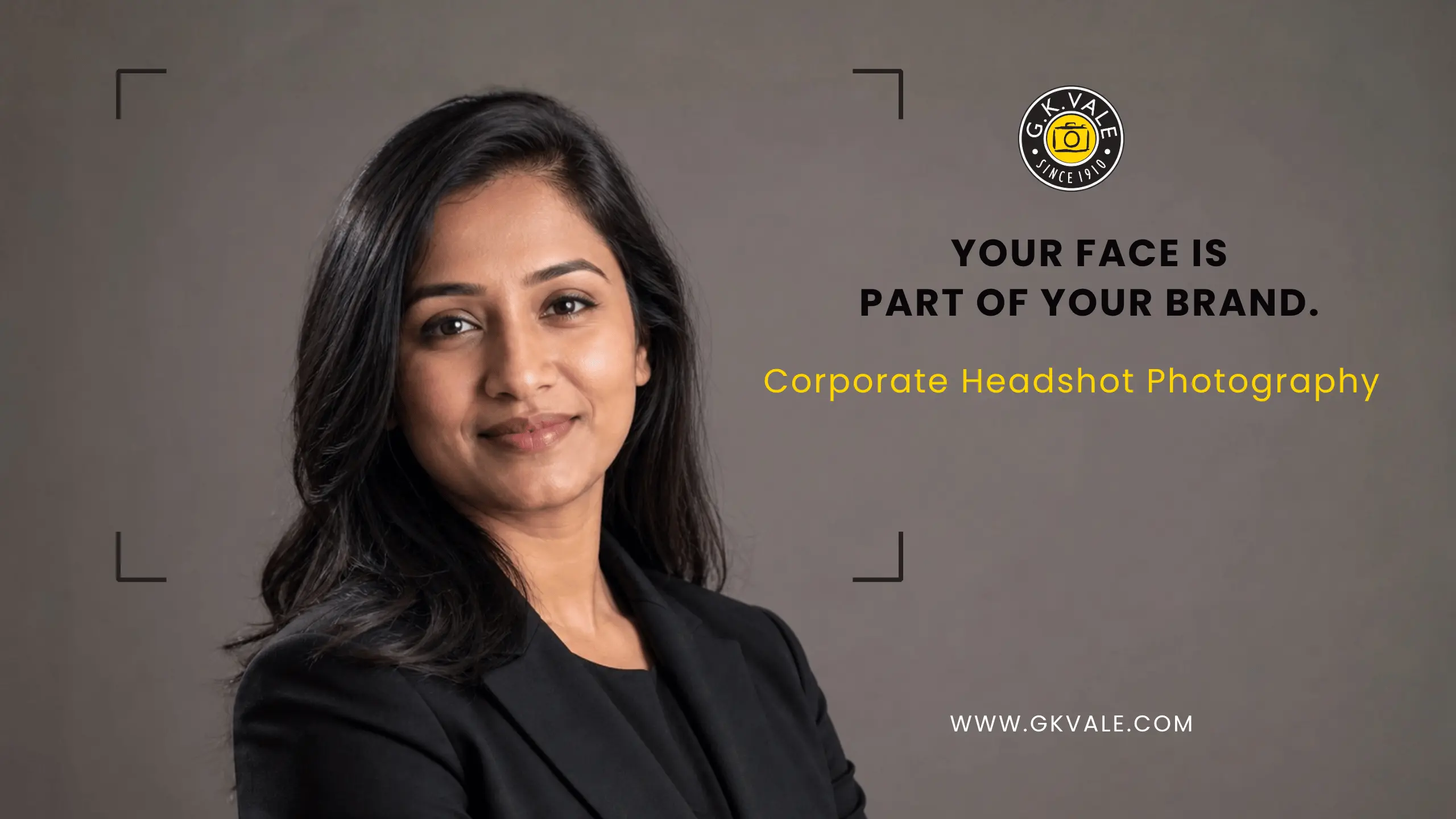
What Is a LinkedIn Photoshoot?
A LinkedIn photoshoot is a short session with a professional photographer to get one clear, well-lit headshot for your LinkedIn profile. Typically, the photo is framed from the shoulders up against a plain background, with an expression that looks friendly and confident. That's because it has to work as a tiny circle on a phone screen.
In other words, there are no props, no outfit marathons and no dramatic lighting. It's just you on a good day.
What Happens During a LinkedIn Photoshoot
A LinkedIn photoshoot at GK Vale takes around 30 minutes. First you brief the photographer, then you shoot with guided posing, and finally you pick your favourites for retouching and delivery.
At GK Vale, a headshot session follows a simple flow:
- Book a slot at your nearest branch, or simply walk in.
- Quick brief on where the photo will be used, so the photographer can plan the look and the backdrop.
- The shoot, with guided posing and small tweaks to angle and expression. You can also change outfits if you've brought them.
- Selection, where you review the frames together and pick your favourites.
- Retouching and delivery, with natural edits and a crop that fits LinkedIn.
How long does a LinkedIn photoshoot take?
A session usually takes around 30 minutes. Most of that time, however, is warm-up. Your first few frames are almost always stiff. By the tenth, people stop thinking about the camera, and that's usually when the keeper shows up.
How many photos do you get from a LinkedIn photoshoot?
It depends on the package you choose, so ask the studio how many retouched photos are included before you book. During the shoot, you'll see far more frames than you take home, which is completely normal. After all, you only need one great LinkedIn profile photo, plus maybe a second option for your company website or speaker bio.
What Recruiters Notice in a LinkedIn Profile Photo
Recruiters glance at your photo rather than study it. That glance mostly answers simple questions: do you look approachable, current and professional? For that reason, a clear face, eye contact, a relaxed expression, even light and a plain background cover almost all of it.
- Your face, clearly. Head and top of shoulders, with your face filling most of the circle. Group shots and distant holiday photos, by contrast, make people squint.
- Eye contact. Look straight into the lens, because it feels like you're looking at the viewer.
- Natural expression. Usually, a relaxed, slight smile beats both a big grin and a serious stare.
- Even light. Avoid harsh shadows across half your face and a shiny forehead.
- Plain background. Grey, white or a soft blur works best, since the background should disappear.
- Recent photo. If someone does a double take on a video call, it's time to update.
What to Wear for Your LinkedIn Photoshoot
Wear what you'd wear to an important meeting in your field, in a solid, mid-tone colour that fits well around the shoulders and neck. Since only the top third of you is in the frame, the collar and neckline matter far more than trousers or shoes. Also, bring one backup top in a different colour.
Colours that work on camera (and ones that don't)
| Choice | Usually Works | Use With Care |
|---|---|---|
| Colour | Navy, charcoal, deep green, maroon, teal, soft blue, dusty pink | Neon and very bright shades, which pull focus from your face |
| White | Off-white or cream under a blazer or jacket | Pure white on its own, which can glow under studio lights |
| Pattern | Solids, or very subtle texture | Thin stripes, small checks and busy prints, which can shimmer on screen |
| Fabric | Matte cotton, linen, wool, silk with a soft finish | Shiny satin and heavy sequins, which reflect light |
Here's a simple test: if the outfit is the first thing you notice in the mirror, it'll also be the first thing people notice in the photo.
Indian office wear: shirts, kurtas, sarees and blazers
You don't need a Western suit to look professional. Instead, wear what's normal in your workplace and your industry.
- Shirts. A crisp, ironed collared shirt is the safe default. If you're in law, finance or client-facing consulting, add a blazer.
- Kurtas. Choose a well-fitted solid kurta with a neat collar. For leadership photos, a Nehru jacket over it works well.
- Sarees. Cotton, linen or silk in solid shades or with a subtle border photograph beautifully. Pin the pallu neatly at the shoulder, because that's the part in frame.
- Kurtis and salwar suits. Pick a clean neckline and skip heavy embroidery right at the collar.
- Blazers. Check that the shoulders sit right, since a blazer that's too big shows up instantly in a headshot.
Glasses, jewellery and makeup
- Glasses. If you wear them every day, wear them in the photo too. Clean the lenses and tell the photographer, who can then angle the lights to cut glare.
- Jewellery. Small studs, a thin chain, a bindi or a mangalsutra are all fine. However, skip big statement pieces that catch light near your face.
- Makeup. Aim for how you look on a good workday. That said, a little powder helps with shine under studio lights, for everyone.
- Hair and beard. Get any haircut or beard trim three to five days before, not the morning of, so it has time to settle.
LinkedIn Headshot Poses That Don't Look Stiff
The best poses for a LinkedIn photoshoot are small adjustments, not dramatic positions. First, turn your body slightly away from the camera. Then bring your face back toward the lens and push your chin a little forward and down. Together, those moves fix most stiff-looking LinkedIn headshots.
- The classic angle. Shoulders turned slightly, face to camera. It works for almost everyone.
- Straight-on and open. Shoulders square to the camera with a relaxed posture. This looks direct and confident, so it suits founders and leaders.
- Arms lightly folded. Loose crossed arms in a slightly wider crop. It reads as confident, as long as your shoulders stay relaxed.
- The lean. A slight lean forward from the hips, which reads as engaged and interested.
- The almost-laugh. Think of something mildly funny just before the shutter. As a result, you get a softer smile than "say cheese" ever will.
LinkedIn photo poses for men
The same rules apply. Keep your shoulders down, unclench your jaw and don't puff out your chest. For everyone, breathe out just before the shot, because a held breath looks exactly like a held breath.
Above all, you don't need to memorise any of this. A good headshot photographer will talk you through it, one small tweak at a time.
Studio Shoot or Phone Photo: Is a Professional LinkedIn Headshot Worth It?
A phone photo can work if you have good window light, a plain wall and a patient friend. However, a professional LinkedIn photoshoot is worth it when your profile does real work for you: job hunting, sales, consulting, speaking or leading a team. Of course, it won't get you hired on its own. It simply removes a reason for someone to scroll past.
| Factor | Phone Photo | Professional Studio Shoot |
|---|---|---|
| Cost | Free | Paid session |
| Lighting | Depends on the day and the window | Controlled and set for your skin tone |
| Background | Whatever wall you have | Clean, consistent backdrop |
| Posing help | Self-directed, or a friend's opinion | A photographer guides small tweaks |
| Retouching | Phone editing apps (easy to overdo) | Light retouching that still looks like you |
| Best for | Students, a quick refresh, low stakes | Job search, client-facing roles, leadership, team pages |
Taking your own LinkedIn photo instead?
If you go the phone route, face a window and use the back camera at eye level. Also, avoid the wide-angle lens up close, because it stretches faces.
How Much Does a LinkedIn Photoshoot Cost in Bangalore?
The cost of a LinkedIn photoshoot in Bangalore varies from studio to studio, so compare what's included rather than just the headline number. In particular, the biggest differences come from how many retouched photos you get and how much retouching is done. For GK Vale pricing, contact the GK Vale team.
What changes the price
- Number of final photos. Naturally, one retouched photo costs less than a set of five.
- Retouching level. Light clean-up costs less than detailed skin and background work.
- Outfit changes and backgrounds. More looks means more studio time, and therefore a higher price.
- Studio or on-location. A photographer at your office costs more for one person. For a whole team, though, it's often cheaper per head.
- Turnaround time. Similarly, faster delivery can cost extra.
So before you book anywhere, ask one question: "How many fully retouched photos do I get, and when?" That answer tells you more than the price does.
Booking for a whole team? Read our guide to corporate headshot photography in Bangalore for studio vs on-location advice.
Looking for LinkedIn photos near me? Find the closest branch on the store locator.
How to Prepare for a LinkedIn Photoshoot the Night Before
Sleep, water and an ironed outfit do more for your LinkedIn photo than any filter. So lay out your clothes, clean your glasses, pack a comb and powder, and plan your route with time to spare.
- First, iron your outfit and your backup top, then hang them so they don't crease.
- Check collars, buttons and the pallu or dupatta for loose threads.
- Clean your glasses and pack a lens cloth.
- Drink water, and go easy on salty food and alcohol the night before.
- Get a proper night's sleep. Seriously.
- Pack a comb, lip balm and blotting paper or powder.
- Save two or three LinkedIn profile photo examples you like, so you can show the photographer.
- Finally, plan your route and leave buffer time, because Bangalore traffic does not care about your appointment.
On the day itself, arrive a few minutes early. After all, rushing in sweaty and flustered is the fastest route to a tense photo.
Quick Takeaways
- A LinkedIn photoshoot gives you one clear, friendly headshot that works as a tiny circle on screen.
- Wear solid, mid-tone colours that fit well at the shoulders, and bring a backup top.
- Indian office wear works: shirts, kurtas, sarees and blazers all photograph well.
- Pose with your body slightly turned, face to the lens, chin forward and down.
- Before comparing prices, ask how many retouched photos you get.
- Get your haircut three to five days before, because sleep beats retouching.
- Update your photo when it stops looking like you.
Frequently Asked Questions
Can I use my LinkedIn photoshoot photos on my company website?
Yes. A good professional headshot works on LinkedIn, your company's team page, email signatures, speaker bios and ID cards. In fact, using one photo everywhere makes you easier to recognise.
How often should I update my LinkedIn photo?
There's no official rule, so update it whenever the photo stops looking like you today. For example, new glasses, a new haircut, a beard, a big change in weight or a new role are all good reasons. The simple test: would someone recognise you from your photo when they meet you?
Can my whole team book a LinkedIn photoshoot together?
Yes. GK Vale photographs teams either at a studio or on-location at your office. Shooting everyone in one session keeps the lighting, background and crop consistent. As a result, your LinkedIn pages and website team page look like one company instead of a collage. You can book a headshot session for your team.
What size should a LinkedIn profile photo be?
Upload a square photo of at least 400 x 400 pixels. Because LinkedIn shows profile photos as a circle, keep your face centred with a little space around your head. Also ask your photographer for a version cropped for LinkedIn, so nothing important gets cut off.
Should I wear glasses in my LinkedIn photo?
If you wear them every day, yes, because people should recognise the person they meet on a video call. Before the shoot, clean the lenses and tell the photographer you wear glasses. That way, they can angle the lights to cut down glare.
Where can I get a LinkedIn photoshoot in Bangalore?
GK Vale has more than 35 stores across Bangalore, including MG Road, Indiranagar, Koramangala, Jayanagar, Malleshwaram, Whitefield, HSR Layout, Electronic City, Rajajinagar, Hebbal and Yelahanka. So you can book at the branch nearest your home or office, or simply walk in.
Ready to Book Your LinkedIn Photoshoot?
A professional LinkedIn headshot is a small fix with a long shelf life. After all, your photo shows up on every application, every comment and every connection request, whether or not you've thought about it lately.
So pick a solid, well-fitting outfit and sleep properly the night before. Then let the photographer handle the light and the angles during your LinkedIn photoshoot. In about 30 minutes in the studio, you'll have chosen the photo that works on LinkedIn, your company site and your email signature. GK Vale has been photographing Bangalore since 1910, so you're in experienced hands.
Find your nearest studio and book a LinkedIn headshot session.
Find Your Nearest GK Vale StoreJoin our community on Instagram for photo tips and studio updates.
Follow GK Vale on InstagramGK Vale - 110+ years of photography heritage. 40+ stores across India.